Target dates
Record the agreed deadline against an enquiry.
Client intake & enquiry software · One-time packages · Digital delivery
Features
IntakeHarbor focuses on the practical parts of enquiry administration: enquiries, enquiry assignments, feedback, enquiry stage, records, follow-up notes, deadlines and summaries.
Keep everything about an enquiry in one record so enquiries start from the same details every time.
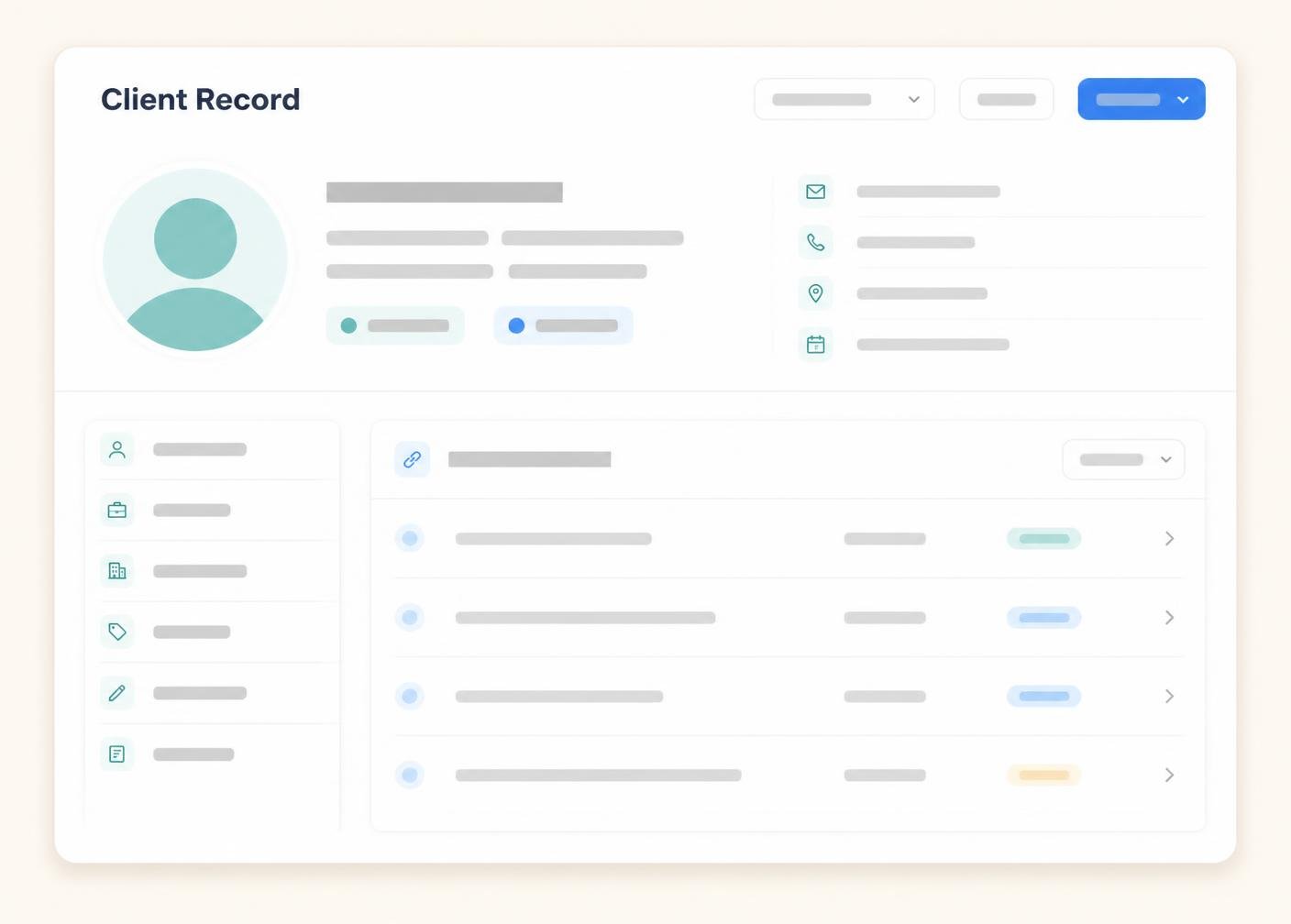 Illustrative software preview
Assign an enquiry for follow-up with a clear list of the contacts involved and the stage it is at.
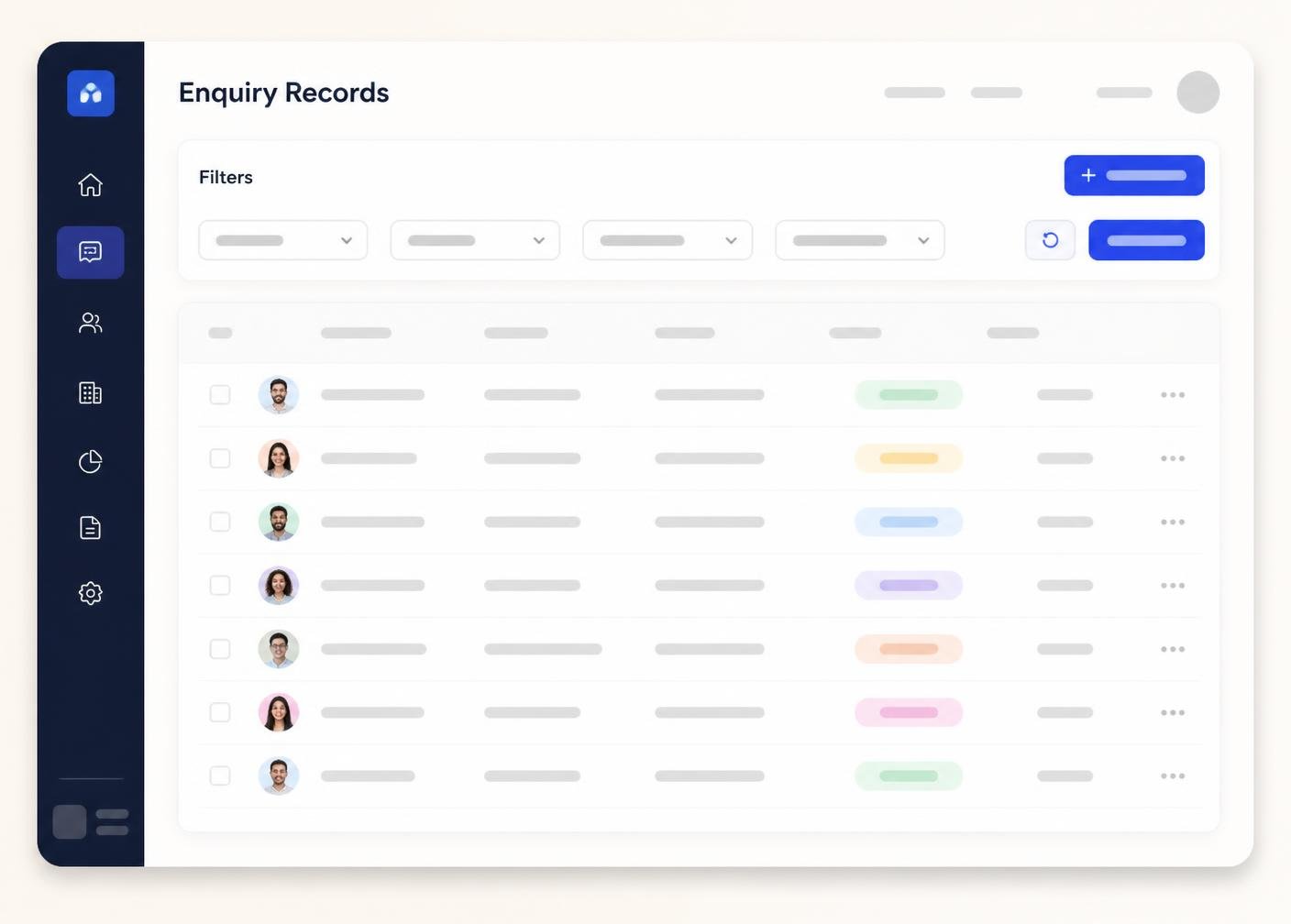 Illustrative software preview
Comments and requested changes are gathered against each enquiry in one place.
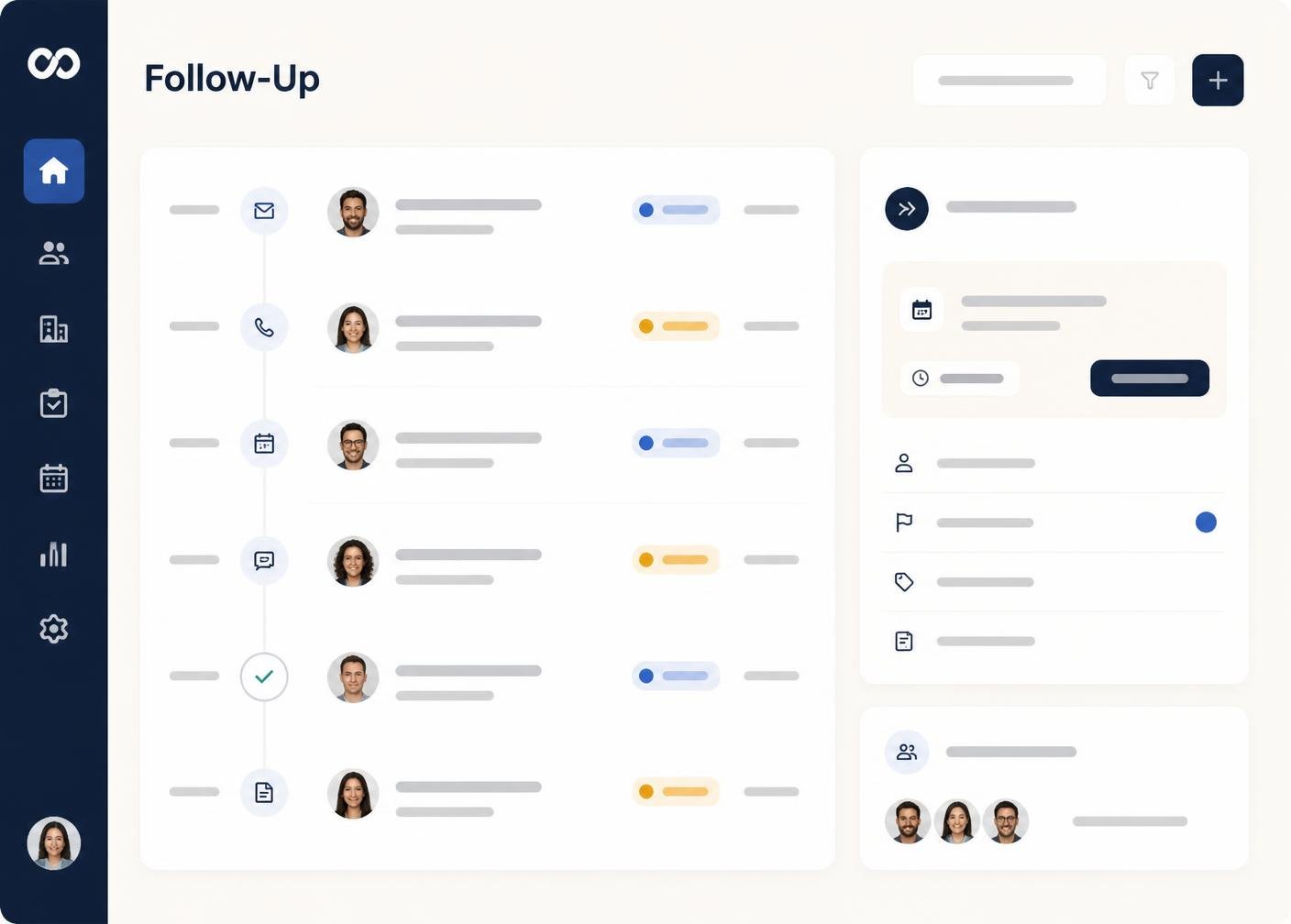 Illustrative software preview
Statuses show where each enquiry sits without needing to open it.
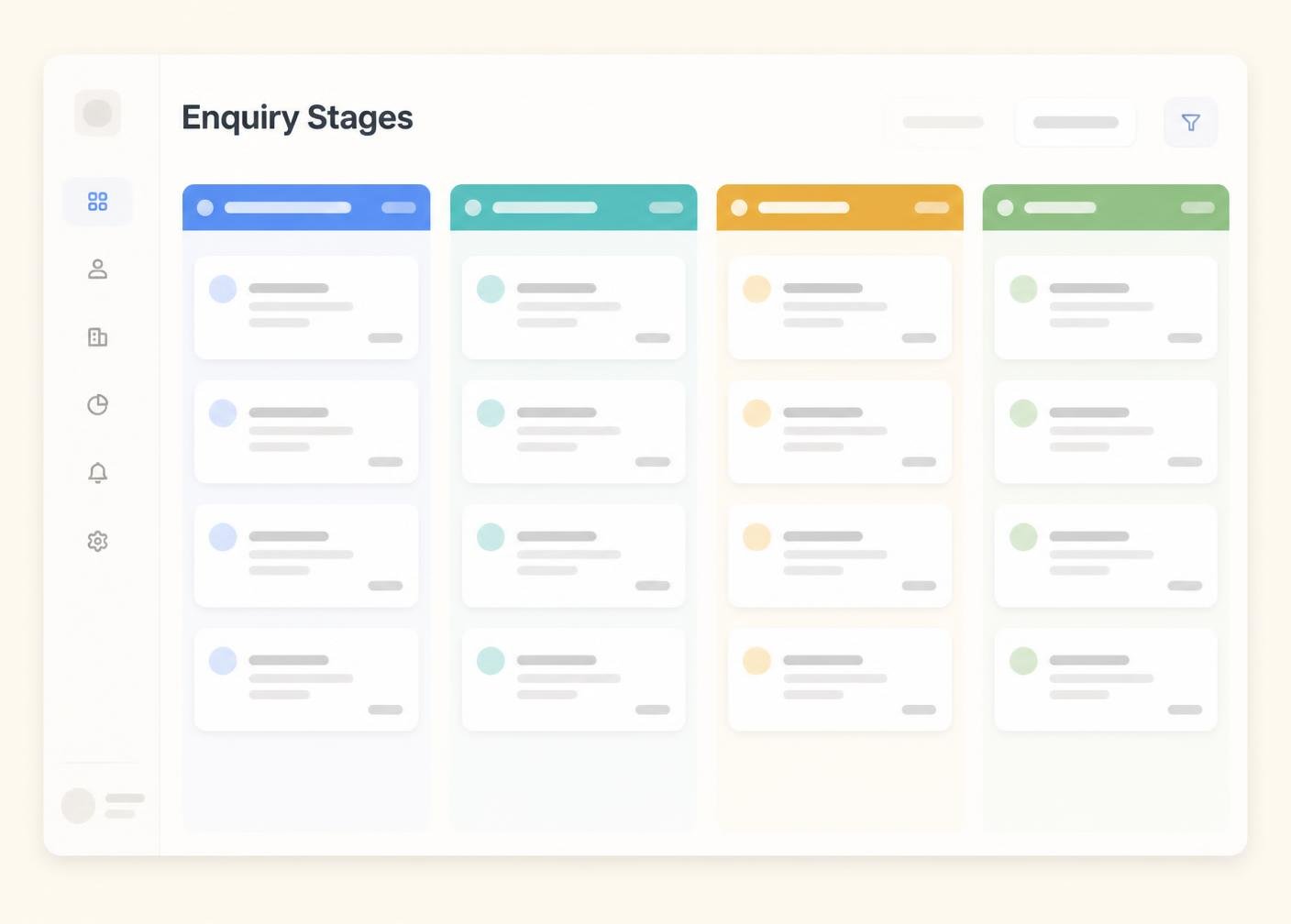 Illustrative software preview
Keep a dated record of each update as an enquiry progresses.
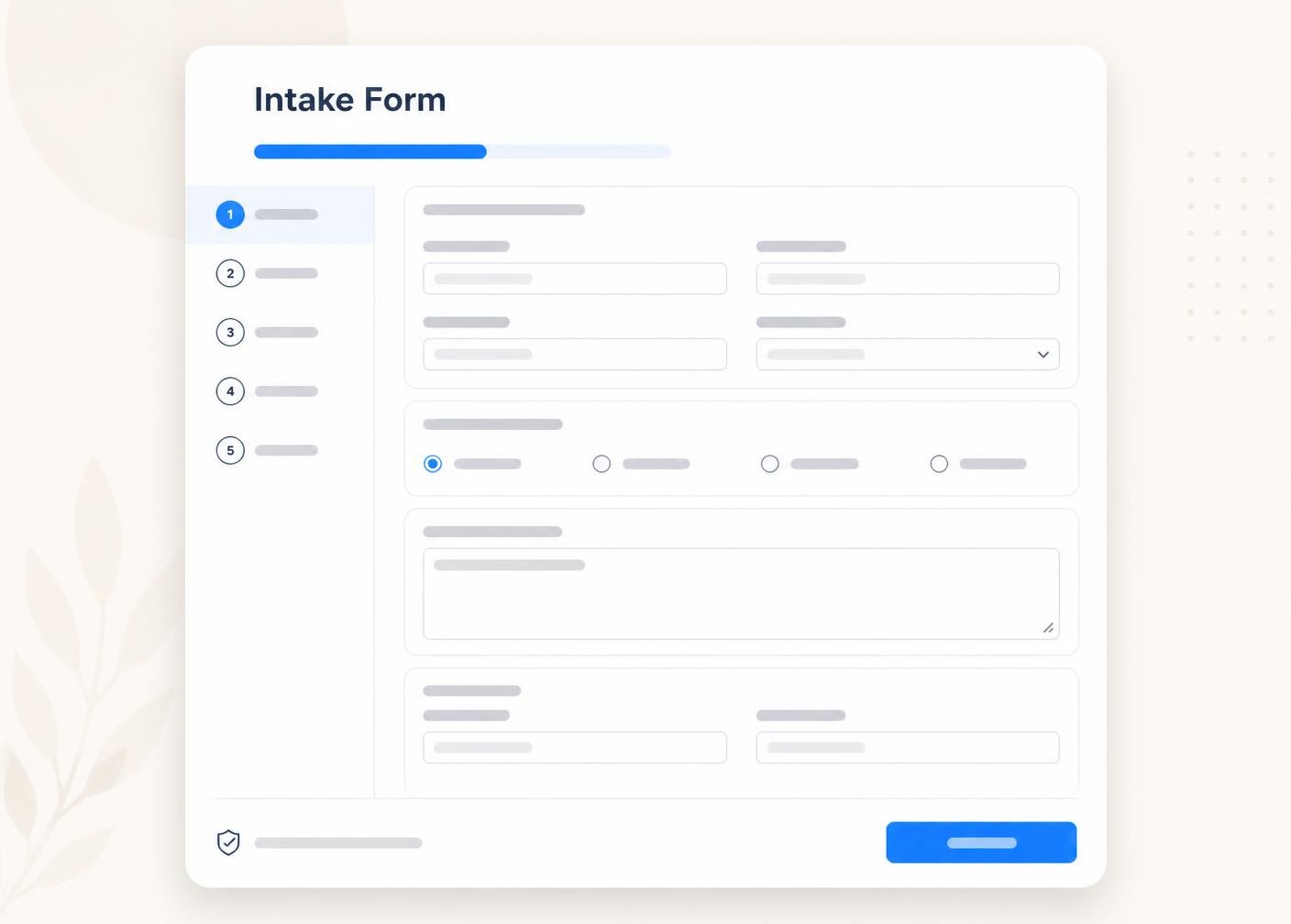 Illustrative software preview
Add a short note describing what changed between one record and the next.
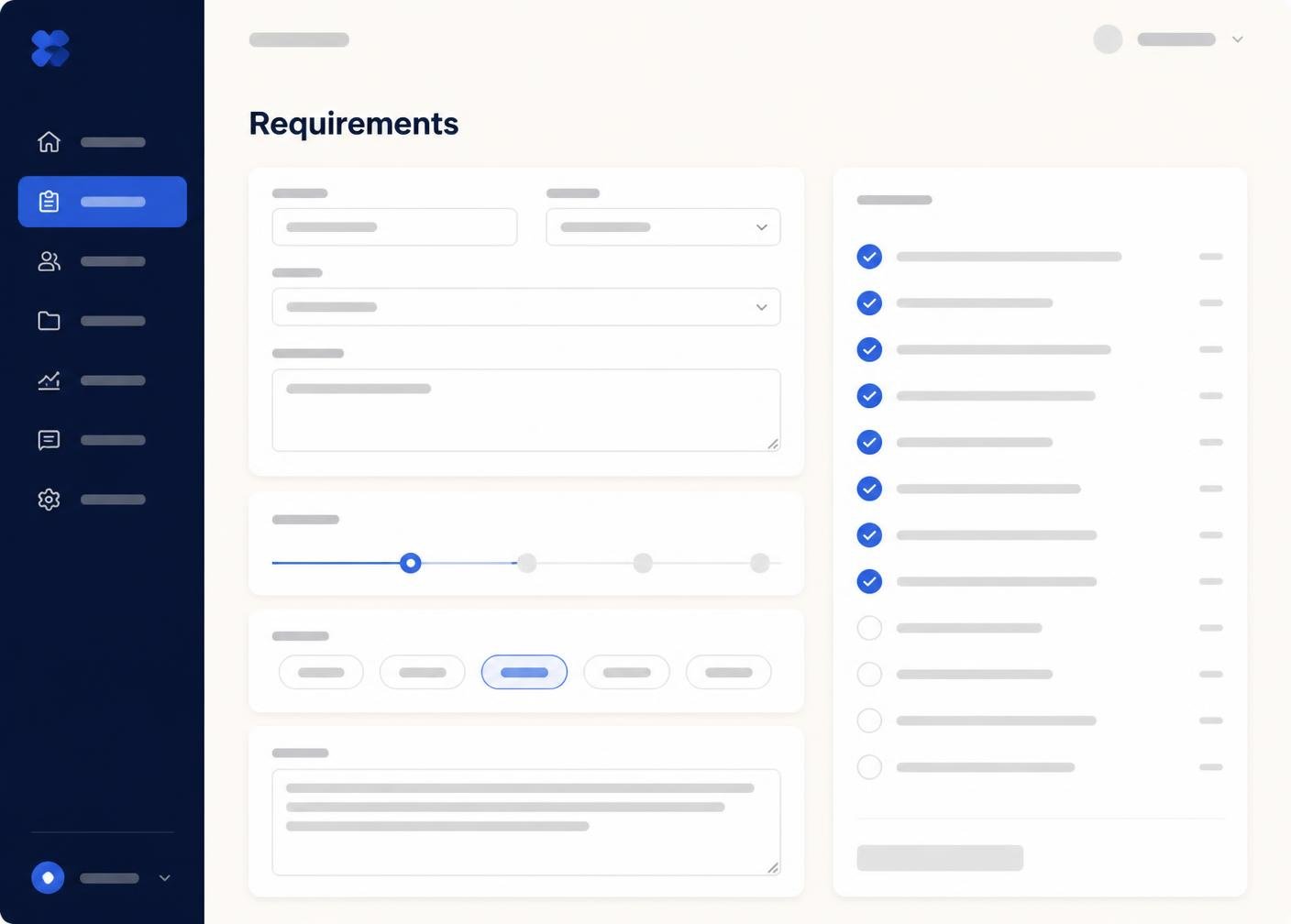 Illustrative software preview
Record the date an enquiry or intake is needed by and see which enquiries are approaching or past their date. Deadline organisation is a record-keeping feature: IntakeHarbor does not send automatic reminder emails and does not chase contacts on your behalf.
Record the agreed deadline against an enquiry.
See which enquiries are due next.
Mark enquiries that have passed their deadline.
Find an enquiry by name in seconds.
List every enquiry a particular contact is involved with.
List only under enquiry, changes requested or converted enquiries.
Sort or filter by follow-up date.
Group enquiries by project or category.
Search comments and descriptions for a keyword.
Where the package supports it, summaries help you enquiry intake activity over time.
A summary of completed intakes by period.
Totals and involvement per contact.
How many enquiries sit in each status.
Export summaries for your own records.
Summaries are organisational outputs. They do not constitute legal advice, certification or a guarantee of intake.
Packages that include multiple users allow a small team to share access to the same enquiry records.
Multiple users can view the same enquiry records.
Some packages include structure for organising contacts.
Everyone sees the same enquiry stage for each enquiry.
Compare IntakeHarbor packages and choose the level that matches your enquiry volume, users and client-intake requirements.