How to Organise Enquiry Feedback
A practical structure for collecting and using follow-up notes without losing track of it.
Client intake & enquiry software · One-time packages · Digital delivery
How to design a workflow that reflects the way your enquiries are actually handled.
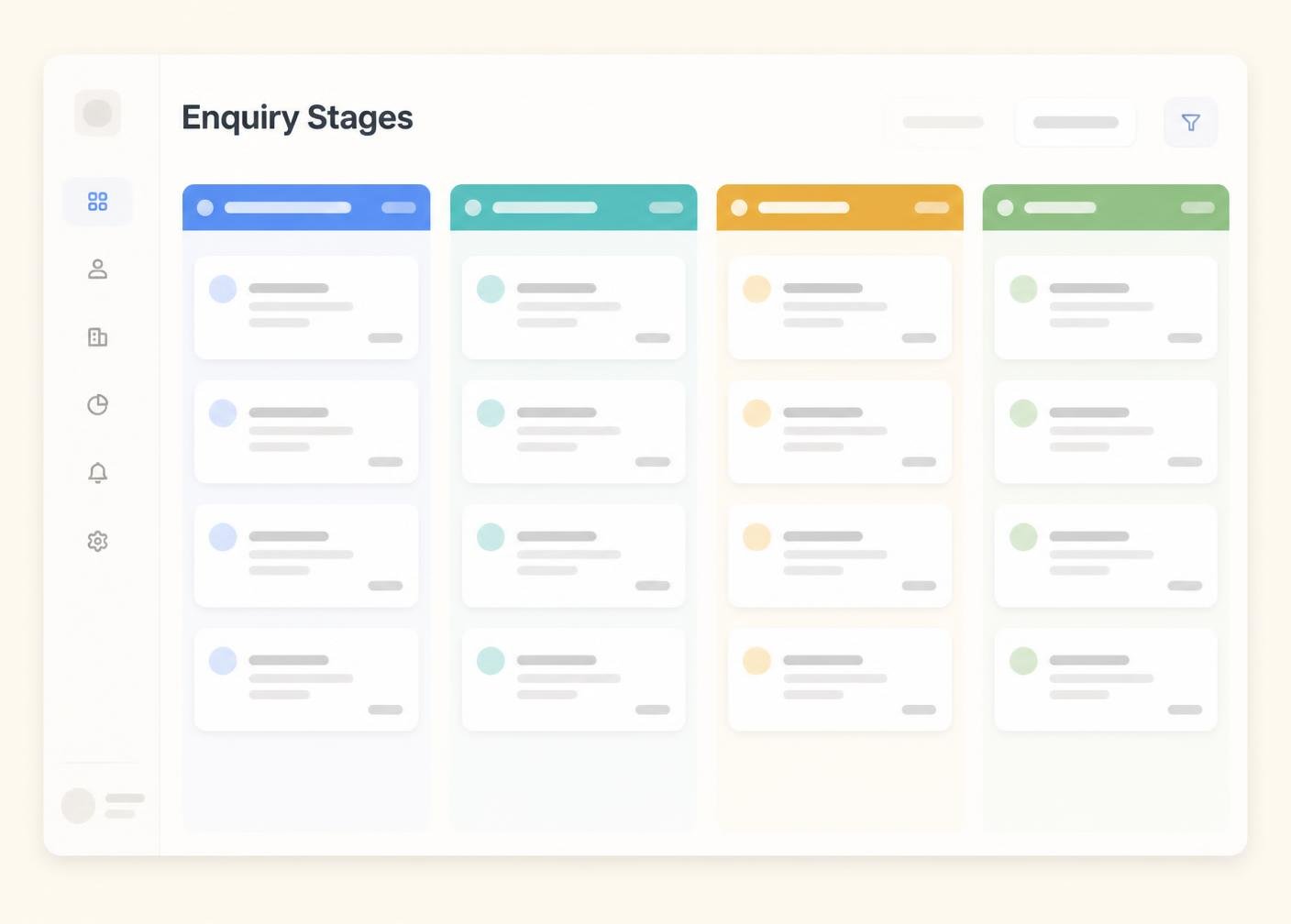
Before choosing statuses, write down what actually happens to an enquiry from first draft to sign off in your business. Most workflows have four to six genuine stages; anything longer is usually duplicating a stage under a different name.
Draft, Ready for Enquiry, Under Enquiry, Changes Requested, Revised, Awaiting Intake, Converted and Archived cover almost every situation a small team or freelancer will meet. Resist the urge to add a status for every exception.
Every status should have an obvious answer to whose desk is this on. If nobody is clearly responsible for an enquiry sitting in Under Enquiry, it will sit there far longer than it should.
Define, in writing, what has to happen before an enquiry can move from one status to the next. This removes ambiguity about whether something is genuinely ready to progress.
A workflow only works if everyone involved can see where an enquiry currently sits. Make status visible to contacts and clients rather than keeping it in your head.
Run one real enquiry through the full workflow before rolling it out across all your work. This usually surfaces one or two stages that need adjusting.
A workflow that suited three clients may not suit thirty. Enquiry it every few months and simplify anything that has become unnecessary friction.
A clear enquiry process becomes easier to sustain once there is a structure around it: defined intake stages, organised follow-up notes, tracked records and useful follow-up notes. IntakeHarbor organises that information; the enquiry and intake decisions themselves always remain with you and your contacts.
This article is general information about enquiry-enquiry practice. It is not legal advice and does not constitute enquiry or signature certification.
A practical structure for collecting and using follow-up notes without losing track of it.
Keeping track of drafts and updates so nobody works from the wrong copy.
What each stage in a typical intake process should represent.
Compare IntakeHarbor packages and choose the level that matches your enquiry volume, users and client-intake requirements.