How to Organise Enquiry Feedback
A practical structure for collecting and using follow-up notes without losing track of it.
Client intake & enquiry software · One-time packages · Digital delivery
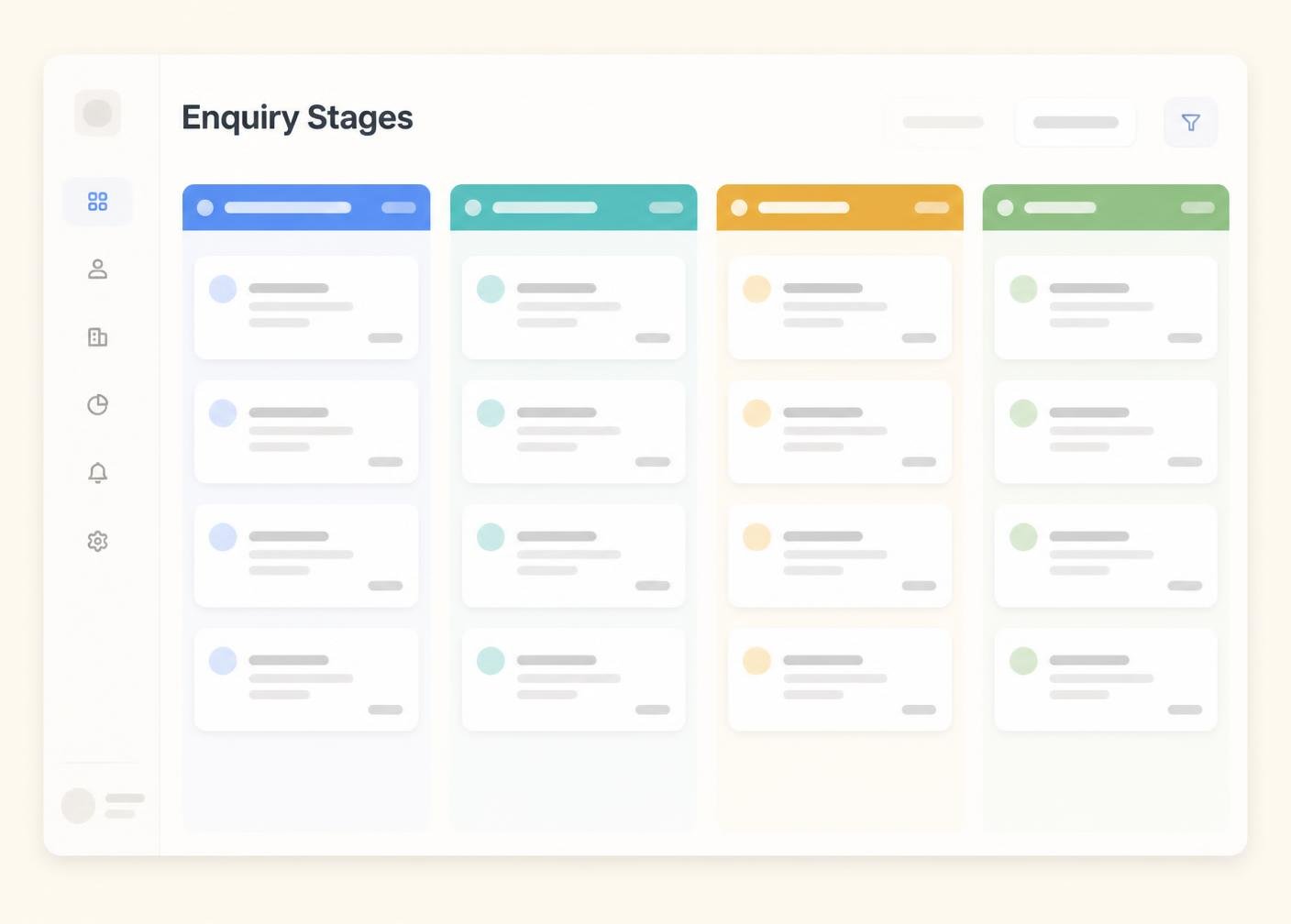
An enquiry in Draft is still being prepared and has not been sent to anyone for comment. It should not be treated as final under any circumstances.
This stage signals that an enquiry is finished enough for a first look, even if it is not perfect. It tells contacts the author believes it is worth their time.
The enquiry is actively with one or more contacts. Nothing should change hands again until this stage is complete, to avoid crossed wires about which record is being commented on.
This stage means contacts have identified changes that must be made before the enquiry can move forward. It should always be accompanied by clear feedback, not just a rejected status.
The author has addressed the requested changes and produced an updated record. This stage signals that the enquiry is ready to go back to contacts, not that it has been converted.
The content is considered finished and the only remaining step is a formal decision from whoever has authority to convert it.
Converted marks the formal sign-off. Archiving afterwards keeps the record for history without it cluttering your list of enquiries still in progress.
A clear enquiry process becomes easier to sustain once there is a structure around it: defined intake stages, organised follow-up notes, tracked records and useful follow-up notes. IntakeHarbor organises that information; the enquiry and intake decisions themselves always remain with you and your contacts.
This article is general information about enquiry-enquiry practice. It is not legal advice and does not constitute enquiry or signature certification.
A practical structure for collecting and using follow-up notes without losing track of it.
How to design a workflow that reflects the way your enquiries are actually handled.
Keeping track of drafts and updates so nobody works from the wrong copy.
Compare IntakeHarbor packages and choose the level that matches your enquiry volume, users and client-intake requirements.