How to Organise Enquiry Feedback
A practical structure for collecting and using follow-up notes without losing track of it.
Client intake & enquiry software · One-time packages · Digital delivery
Keeping track of drafts and updates so nobody works from the wrong copy.
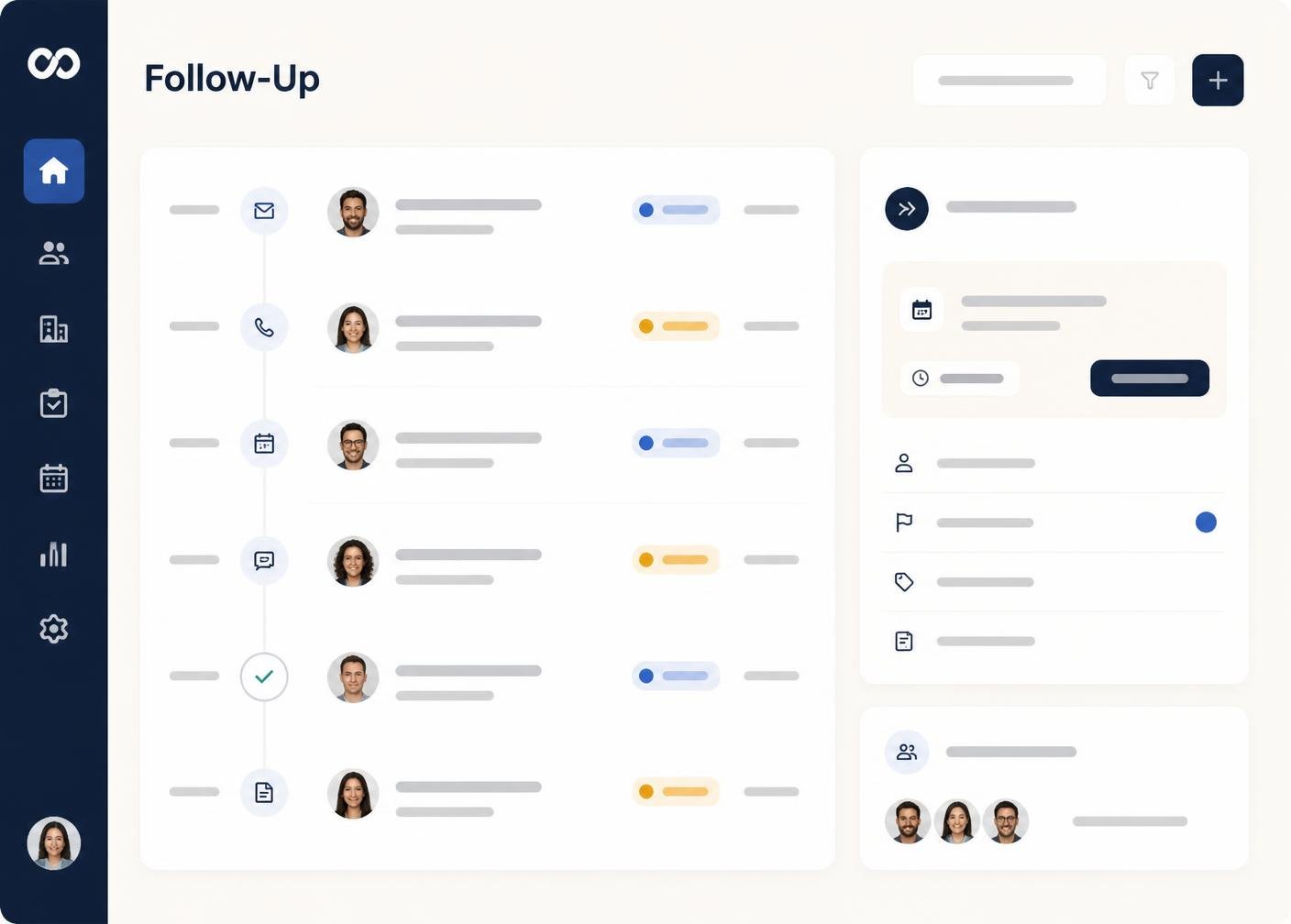
A record label such as v1, v2 or a date is far more reliable than relying on file names or memory. Apply the same convention consistently across every enquiry type you handle.
A one-line summary of what changed in each new record saves contacts from having to compare the whole enquiry line by line to spot the difference.
Contacts should never have to guess which copy is the latest. Mark the current record clearly and treat older records as reference only.
Keeping a short history of previous drafts protects you if a client asks why a particular change was made, or wants to revert to an earlier approach.
Each new record usually exists because of specific feedback. Recording that link means you can always explain why an enquiry looks the way it does.
Once a record is genuinely superseded, treat it as historical rather than active. This keeps your working view focused on the enquiry as it stands today.
When an enquiry reaches Converted, the enquiry history becomes a record rather than a working area. Archiving it keeps your active workspace focused on enquiries still in progress.
A clear enquiry process becomes easier to sustain once there is a structure around it: defined intake stages, organised follow-up notes, tracked records and useful follow-up notes. IntakeHarbor organises that information; the enquiry and intake decisions themselves always remain with you and your contacts.
This article is general information about enquiry-enquiry practice. It is not legal advice and does not constitute enquiry or signature certification.
A practical structure for collecting and using follow-up notes without losing track of it.
How to design a workflow that reflects the way your enquiries are actually handled.
What each stage in a typical intake process should represent.
Compare IntakeHarbor packages and choose the level that matches your enquiry volume, users and client-intake requirements.